
IPTV USA Compatible Devices | Smart TV, Fire TV & More
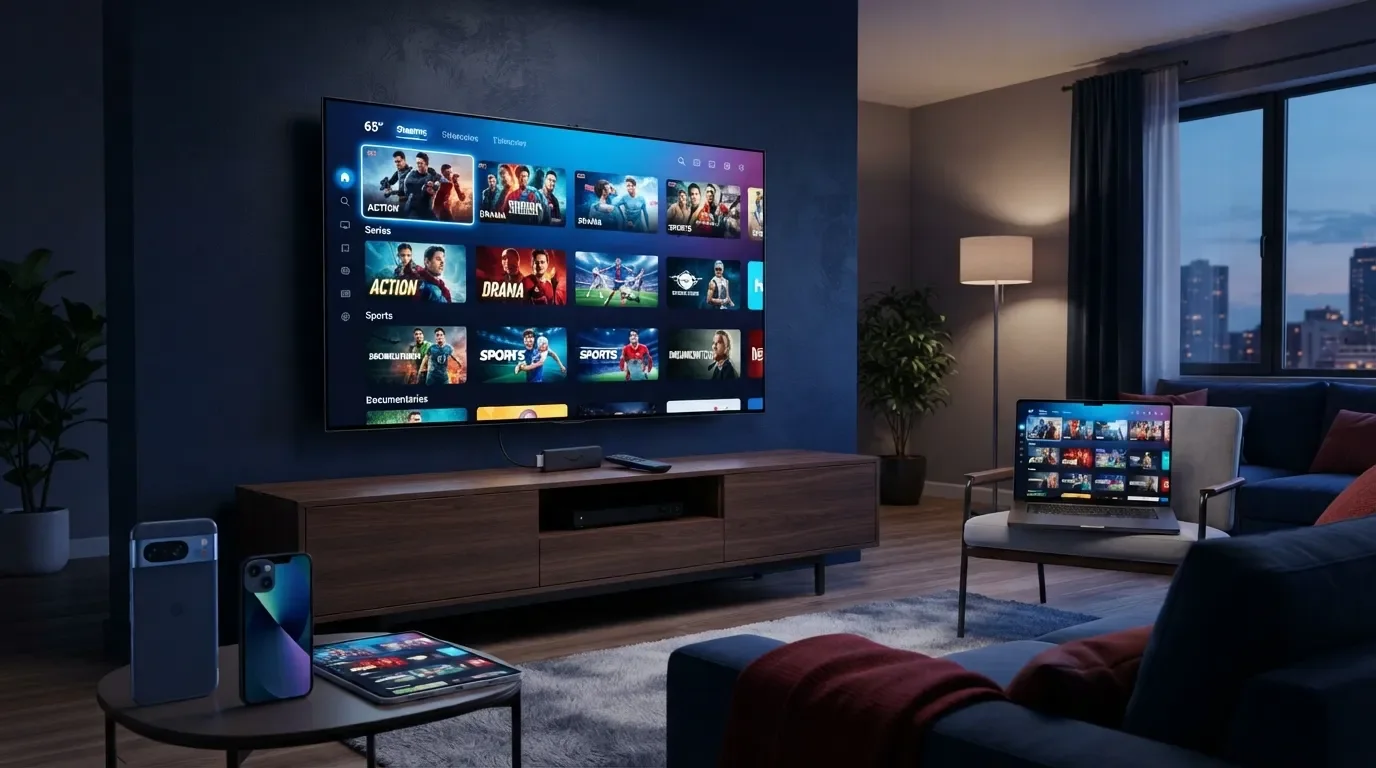
IPTV USA Compatible Devices
Discover which devices can be used with IPTV USA, including Smart TVs, Fire TV, Android devices, Apple devices, smartphones, tablets and computers. Find the right setup for your streaming needs.
What Are IPTV USA Compatible Devices?
IPTV USA compatible devices are internet-connected devices that can run a supported IPTV application or player and access the content included with an IPTV subscription.
Depending on the device and application, IPTV USA may be used on Smart TVs, Fire TV devices, Android devices, Apple devices, smartphones, tablets, computers and other supported streaming hardware.
Contact our support team before ordering and tell us the device model you use. We can help you understand the available setup options.
IPTV USA Compatible Devices
Different devices offer different ways to access IPTV services. Here are some of the common device categories that may be compatible with IPTV USA.
Smart TV
Compatible Smart TVs can use supported IPTV applications or players where available. App availability can depend on the TV model and operating system.
Amazon Fire TV
Fire TV devices provide a convenient way to stream IPTV through compatible applications and supported players.
Android TV
Android TV devices and compatible TV boxes can support IPTV applications depending on the available software and device configuration.
IPTV USA Device Comparison
Use this quick comparison to understand common IPTV USA compatible devices and their typical use cases.
| Device | Typical Use | Portability | Setup |
|---|---|---|---|
| Smart TV | Home TV viewing | Low | Easy* |
| Fire TV | TV streaming | Medium | Easy* |
| Android TV | Home entertainment | Medium | Flexible |
| Android Phone | Mobile streaming | High | Flexible |
| iPhone / iPad | Mobile streaming | High | Flexible |
| Computer | Desktop / laptop viewing | Medium | Flexible |
*Setup difficulty can vary depending on the device model, operating system, available application and IPTV service.
IPTV USA on Smart TV
Smart TVs are one of the most convenient options for home IPTV streaming because they allow users to access supported applications directly from the television when available.
Samsung Smart TV
Compatible Samsung Smart TV models may support IPTV applications through their available app ecosystem. Application availability can vary by model, operating system and region.
LG Smart TV
Compatible LG Smart TVs may also support IPTV applications where an appropriate player is available for the TV platform.
Check your exact Smart TV model and operating system to confirm which IPTV applications are available.
IPTV USA on Fire TV
Amazon Fire TV devices can be used for IPTV streaming when a compatible IPTV player or application is available.
Fire TV Stick
Compact HDMI streaming hardware that can be connected to a compatible television.
TV Streaming
Use a compatible IPTV application to access the content included with your subscription.
Easy Setup
Follow the setup instructions provided for your Fire TV device and supported IPTV application.
IPTV USA on Android Devices
Android provides several device options for IPTV streaming, including Android smartphones, tablets, Android TV devices and compatible TV boxes.
IPTV USA on Apple Devices
Compatible Apple devices may also be used for IPTV streaming when a supported application or player is available.
iPhone
Use a compatible IPTV application where supported by the iPhone operating system and service.
iPad
Enjoy mobile or larger-screen streaming through a supported IPTV player.
Apple TV
Apple TV may support IPTV applications depending on the available player and service compatibility.
IPTV USA on Computers
IPTV USA may also be accessible on compatible desktop and laptop computers through a supported application or browser-based player, depending on the service setup.
Windows PC
Use a compatible IPTV application or supported browser-based player where available.
Mac
Compatible Mac computers may access IPTV through supported applications or browser-based options.
How to Check if Your Device Is Compatible
Before choosing an IPTV USA subscription, check your device using these simple steps.
Identify Your Device
Check the brand, model and operating system of your Smart TV, phone, tablet, TV box or computer.
Check App Availability
Check whether a compatible IPTV application or player is available for your specific device.
Ask Support
If you are unsure, contact our support team with your device model before placing your order.
Tips for a Better IPTV USA Experience
Your IPTV experience can depend on your device, application, internet connection, network conditions and the quality available for the content you are watching.
- Use a stable internet connection.
- Keep your streaming device and applications updated.
- Use an IPTV player that is compatible with your device.
- Avoid unnecessary network congestion when streaming.
- Consider using a wired connection when practical for supported devices.
- Check device compatibility before ordering your IPTV subscription.
Device compatibility can vary by model, operating system, application and region. Content availability and streaming quality may also depend on your internet connection, device performance, subscription and applicable content licensing. Always make sure that the IPTV service you use is authorized to distribute the content it provides.
Is Your Device Compatible With IPTV USA?
Check your device compatibility before choosing your IPTV USA subscription. Our support team can help you identify the right setup.
🚀 Explore IPTV USA 💬 Check My DeviceFrequently Asked Questions About IPTV USA Compatible Devices
What devices are compatible with IPTV USA?
Can I use IPTV USA on a Smart TV?
Can I use IPTV USA on Fire TV?
Can I use IPTV USA on Android?
Can I use IPTV USA on iPhone or iPad?
Can I watch IPTV USA on a computer?
Do I need a special device for IPTV USA?
How can I check if my device is supported?
IPTV USA Compatible Devices for Modern Streaming
Choosing the right IPTV USA compatible device can make the setup process easier and more convenient. Depending on your preferences, you can use a Smart TV for home viewing, a Fire TV device for flexible television streaming, an Android device for mobile access, an Apple device for iOS-based streaming, or a compatible computer.
Before choosing an IPTV USA subscription, it is important to check your device model, operating system and available IPTV applications. Compatibility may vary between different devices, applications and service configurations.
A stable internet connection is also important for a smoother streaming experience. Streaming performance may depend on your internet speed, Wi-Fi connection, device performance, network conditions and the quality available for specific content.
IPTV USA compatible devices, IPTV USA Smart TV, IPTV USA Fire TV, IPTV USA Android, IPTV USA iPhone, IPTV USA iPad, IPTV USA Apple TV, IPTV USA TV Box, IPTV USA computer, IPTV compatible devices and IPTV streaming devices are commonly used search terms for people researching internet-based television and compatible streaming setups.
Find the Right IPTV USA Device Setup
Have a Smart TV, Fire TV, Android, Apple device or computer? Check compatibility and explore the available IPTV USA options today.
🇺🇸 Explore IPTV USA 💬 WhatsApp Support