
IPTV USA How to Pay: Payment Methods & Checkout Guide
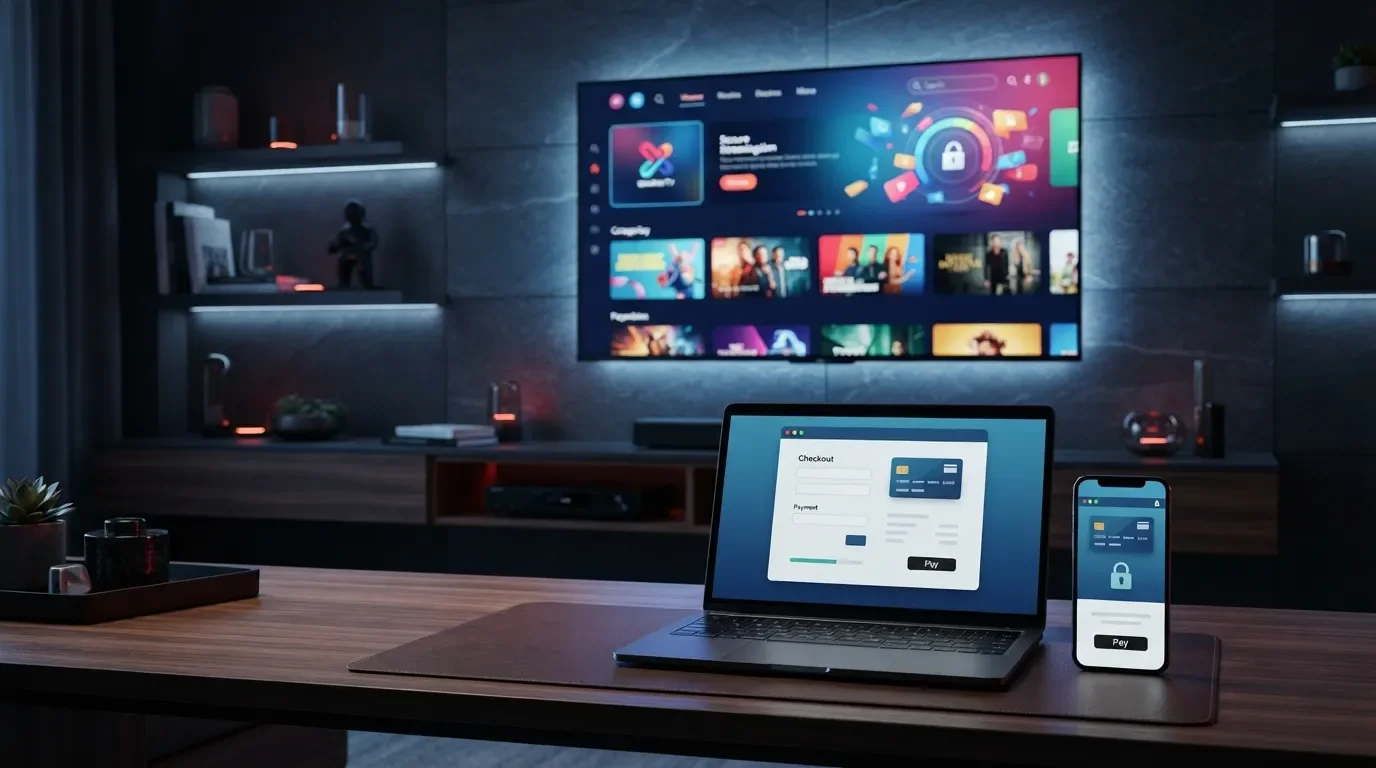
IPTV USA How To Pay
Learn how to pay for your IPTV USA subscription, review your order, complete the checkout process and get assistance if you have questions about payment or your subscription.
How To Pay for IPTV USA
Paying for an IPTV USA subscription is generally completed through the online checkout process. Customers can select an available subscription, review the order details and use one of the payment methods presented during checkout.
Before making a payment, always verify the selected plan, subscription duration, total price and customer information to make sure everything is correct.
Available payment methods can vary depending on the checkout system, location and payment provider. The payment options displayed at checkout are the applicable options for your order.
How To Pay for IPTV USA Step by Step
Follow these general steps to complete your IPTV USA purchase:
Choose Your Plan
Visit the IPTV USA store and select the subscription plan that matches your preferred duration and requirements.
Review Your Order
Check the subscription, quantity, price and customer information before proceeding to payment.
Complete Payment
Select an available payment method and follow the instructions provided by the checkout page.
Available Payment Methods
The payment methods available for an IPTV USA order are displayed during checkout. Depending on the payment processor and your location, available options may include supported bank cards or other payment methods presented by the checkout system.
Bank Card
If card payment is available at checkout, enter the requested payment information through the payment page.
Payment Provider
Follow the instructions provided by the payment processor shown during checkout.
Online Payment
Use the payment option available to you on the official checkout page.
Do not send payment information such as card numbers, security codes or passwords through WhatsApp or other informal communication channels. Use the official checkout/payment page whenever possible.
IPTV USA Checkout Process
The checkout process allows you to review your purchase before submitting payment. Take a moment to verify the information displayed on the page.
- Confirm the IPTV USA subscription plan.
- Check the subscription duration and quantity.
- Verify the total order amount.
- Enter the requested customer information accurately.
- Select an available payment method.
- Review the payment information before confirming the order.
- Keep your order confirmation after completing payment.
Payment & Security Tips
When making an online payment for an IPTV USA subscription, follow basic payment-security practices to help protect your information.
Use the Official Checkout
Complete your payment through the official store or payment page provided for your order.
Check Your Information
Verify the order amount and payment details before confirming your transaction.
Keep Confirmation
Save your order confirmation or transaction reference for future support requests.
What If My IPTV USA Payment Fails?
A payment may fail for different reasons, including incorrect payment information, insufficient funds, bank restrictions, payment-provider issues or temporary technical problems.
If your payment does not go through, check the information entered and follow any instructions displayed by the payment provider. You can also contact your bank or payment provider if necessary.
Avoid making repeated attempts if you are unsure whether a payment was completed. First check your order confirmation, bank statement or payment-provider status.
What Happens After Payment?
After a successful payment, your order may be processed according to the service's normal fulfillment procedure. Digital service delivery and activation can depend on the order and the applicable service process.
IPTV USA Payment Options
Payment options can vary depending on the checkout system and customer location. The following table explains the general process.
| Payment Option | How It Works | Availability |
|---|---|---|
| Bank Card | Enter the requested card details through the supported checkout page. | If displayed at checkout. |
| Online Payment Provider | Follow the payment provider's instructions to complete the transaction. | Depends on the checkout system. |
| Other Available Methods | Use any additional method presented by the official checkout page. | Depends on location and provider. |
Frequently Asked Questions About IPTV USA Payment
How do I pay for IPTV USA?
Can I pay for IPTV USA online?
What payment methods are available?
Can I pay with a bank card?
What should I do if my payment fails?
How can I know if my IPTV payment was successful?
Is it safe to send my card details through WhatsApp?
Can I contact IPTV USA if I have a payment question?
IPTV USA How To Pay Guide
Knowing how to pay for IPTV USA can make the ordering process easier. Customers should start by selecting the subscription that matches their needs, reviewing the order details and continuing to the official checkout page.
During checkout, the available payment methods will be displayed. Payment options may vary depending on the payment provider and customer location. Always review the total amount and order information before confirming the transaction.
After payment, keep your order confirmation or transaction reference. If a payment problem occurs, check the payment status before submitting another transaction and contact support when necessary.
IPTV USA how to pay, how to pay for IPTV USA, IPTV USA payment, IPTV subscription payment, IPTV USA payment methods, how to buy IPTV USA, IPTV USA checkout and IPTV online payment are common search terms used by customers looking for information about purchasing IPTV services online.
Ready to Order IPTV USA?
Choose your subscription, review your order and complete the payment through the available checkout options.
🚀 Shop IPTV USA 💬 Ask About PaymentComplete Your IPTV USA Payment
Visit the IPTV USA store to review available subscriptions and payment options.
🇺🇸 Visit IPTV USA 💬 WhatsApp Support