
IPTV USA: How It Works, Setup & Compatible Devices
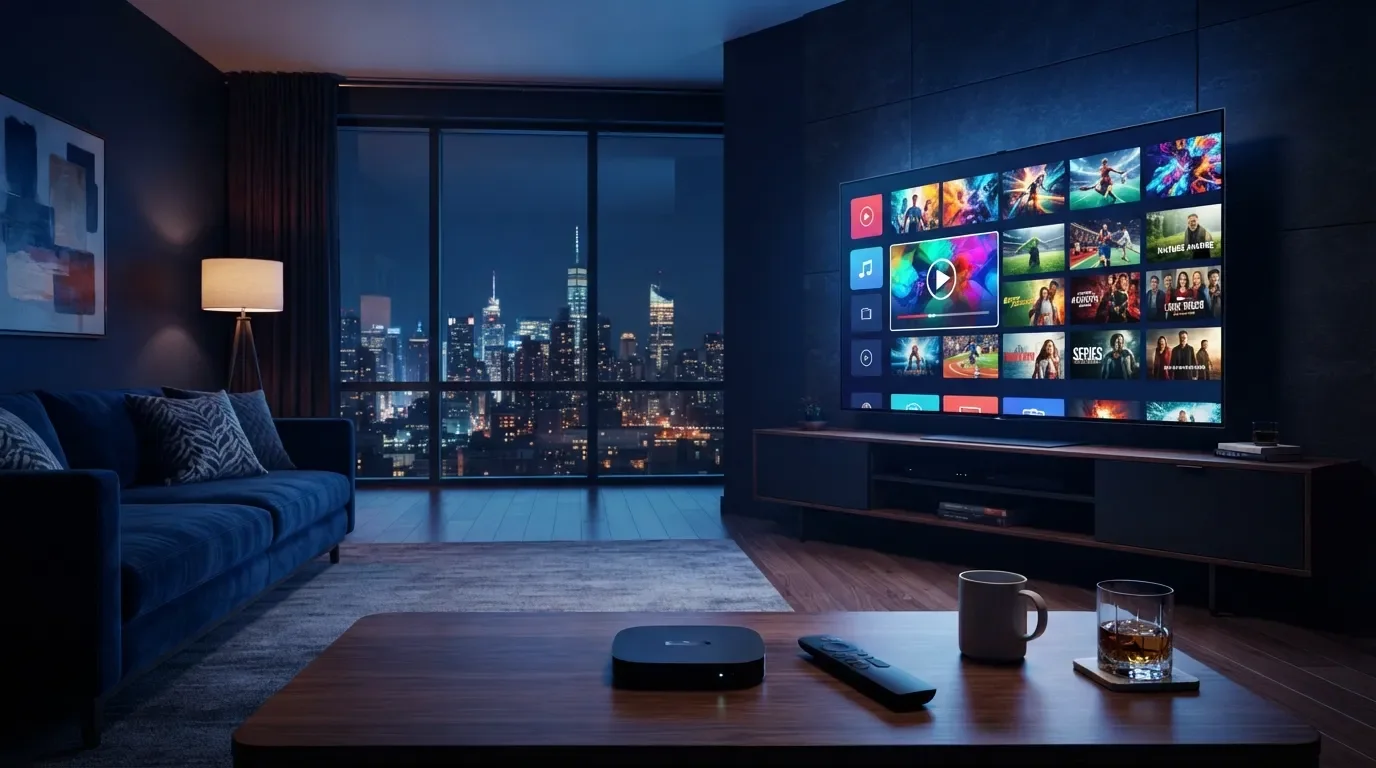
IPTV USA – How It Works
Learn how IPTV USA works, how television content is delivered over the internet, which devices can be used, what you need to get started and how to enjoy a smoother streaming experience.
How Does IPTV USA Work?
IPTV stands for Internet Protocol Television. Instead of receiving television content exclusively through traditional cable, satellite or terrestrial broadcasting systems, IPTV uses internet protocol networks to deliver television and video content to compatible devices.
With an IPTV USA service, the basic process usually involves an internet connection, a compatible device, an IPTV application or player and a content source provided by the service.
Your device connects to the internet, the IPTV application connects to the applicable content source, and the video is delivered through the internet to your screen.
How IPTV USA Works Step by Step
Although the exact setup can vary between providers and devices, the basic IPTV process can be understood through a few simple steps.
Internet Connection
Your compatible device connects to the internet through Wi-Fi or, where available, a wired Ethernet connection.
IPTV Application
A compatible IPTV application or player is used to access the service on the selected device.
Content Delivery
The applicable television or video content is delivered through the internet to your device.
Choose Content
Depending on the service, you may be able to select live television, on-demand videos, movies, series or other available content.
Stream the Video
The selected content is streamed over your internet connection and displayed on your compatible device.
Enjoy Streaming
Once the setup is complete, you can use the application according to the service's features and applicable subscription terms.
What Do You Need for IPTV USA?
Getting started with IPTV generally requires a few basic components. Exact requirements depend on the provider and the device you want to use.
Which Devices Can Use IPTV USA?
IPTV can be used across different internet-connected devices when the device and application are supported by the provider.
How IPTV Delivers Different Types of Content
The content available through an IPTV service depends on the provider, its catalog and the applicable rights or authorization for the content.
Live TV
Some IPTV services provide live television channels that are streamed through the internet while the programming is being broadcast or distributed.
On-Demand Content
Depending on the service, users may be able to select movies, series or other video content from an available on-demand catalog.
How Important Is Your Internet Connection?
Because IPTV delivers video over an IP network, your internet connection can have a significant effect on the viewing experience. Streaming quality may be affected by connection stability, available bandwidth, network congestion, device performance and the quality of the content source.
Tips for a Smoother IPTV Experience
- Use a stable internet connection.
- Keep your streaming device and applications updated.
- Avoid unnecessary network congestion while streaming.
- Use Ethernet when practical if your device supports it.
- Make sure your device meets the application's requirements.
No IPTV service can guarantee identical streaming performance for every user. Your experience can vary according to your network, device, application and other technical conditions.
How to Set Up IPTV USA
The exact setup process depends on the device and application. However, most IPTV setups follow a similar general process.
Connect your Smart TV, Fire TV, Android TV, smartphone, tablet or computer to the internet.
Install the IPTV application or player supported by your device and service.
Use the activation or access information supplied by your IPTV provider, according to its setup instructions.
Once the application is configured, you can browse and watch the content available through your service.
IPTV vs Traditional Television
The main difference is how the content reaches your device. IPTV uses internet protocol networks, while traditional television services can use cable, satellite or terrestrial broadcast systems.
| Feature | IPTV | Traditional TV |
|---|---|---|
| Delivery Method | Internet / IP network | Cable, satellite or terrestrial |
| Internet Required | Yes | Depends on service |
| Compatible Devices | Connected devices | Service-specific equipment |
| Content Options | Depends on provider | Depends on television provider |
IPTV USA and Content Rights
IPTV is a technology for delivering video through internet protocol networks. The legality of a specific IPTV service depends on the content it distributes and whether the provider has the appropriate rights or authorization to distribute that content.
Before subscribing to an IPTV service, users should review the provider's terms, content information and applicable licensing or authorization.
Content availability can vary by country, provider and licensing agreement. Make sure the service you use is authorized to provide the content available in your location.
Common IPTV Streaming Problems
If your IPTV experience is not working as expected, several technical factors may be responsible.
Check your internet stability, network usage and device performance.
Make sure the IPTV application is compatible with your device and properly updated.
Check your Wi-Fi or Ethernet connection and restart your network equipment if necessary.
A channel or program may be unavailable because of provider catalog changes, geographic restrictions or content rights.
Frequently Asked Questions – How IPTV USA Works
What is IPTV USA?
How does IPTV USA work?
Do I need internet for IPTV?
Can I use IPTV USA on a Smart TV?
Can I use IPTV USA on Fire TV?
Does IPTV USA work on Android?
Can I watch IPTV USA on my phone?
What causes IPTV buffering?
Can IPTV work with Wi-Fi?
Does IPTV USA include live TV?
Can IPTV USA include movies and series?
Is IPTV USA legal?
IPTV USA How It Works: Complete Guide
Understanding how IPTV USA works starts with understanding the difference between traditional television delivery and internet-based streaming. IPTV uses internet protocol networks to transfer television and video content to compatible connected devices.
A typical IPTV USA setup can include a stable internet connection, a Smart TV or streaming device, a compatible IPTV application and access to a service that provides the applicable content. Once these components are configured, video can be streamed directly to the selected device.
The actual viewing experience can depend on many factors, including internet stability, device performance, application compatibility, network congestion and the quality of the content source. Choosing compatible equipment and maintaining a reliable connection can help create a smoother setup.
IPTV USA how it works, how does IPTV work, IPTV USA streaming, IPTV USA setup, IPTV USA Smart TV, IPTV USA Fire TV, IPTV USA Android TV, IPTV USA devices, IPTV streaming guide and internet TV USA are common search terms for people researching internet-based television.
Ready to Explore IPTV USA?
Learn more about IPTV USA, check available options and contact our team if you need help understanding the setup.
🚀 Explore IPTV USA 💬 WhatsApp SupportLearn More About IPTV USA
Visit our website to explore IPTV USA options or contact us for general information about compatible devices and setup.
🇺🇸 Visit IPTV USA 💬 Contact Support